Site architecture usually isn’t the first thing that comes to mind when we talk about SEO. However, it has a big impact on your ability to rank in search results.
A good site architecture makes it easier for both Google and your website visitors to find what they’re looking for. There are many things you can do here to boost your chance of SEO success.
What Is Site Architecture?
Site architecture, or website architecture, refers to the way a website’s pages are organized. It includes how the site groups related content together and the links between different pages.
Why Site Architecture Is Important For SEO
Site architecture affects how search engines crawl your website. If you have a good site architecture, search engines will understand more of your content and be more likely to present it to your target audience.
To be more specific, having a good site architecture does all of the following:
- Helps search engines find all of your site’s pages.
- Gives search engines more context to help them understand the content on each page.
- Spreads authority to more of your pages, especially when you add internal links.
Put together, all of that means potential customers will be more likely to find your site.
A good site architecture also makes it easier for site visitors to find the information they’re looking for. When visitors don’t get frustrated, they’re more likely to stick around, look at more of your content, and return to your site in the future. That behavior gives your site even more of an SEO boost.
How You Can Optimize Your Site Architecture For Search Engines

1. Keep Related Content Connected
One of the most important parts of site architecture is information architecture, which is the way you organize the content or information on your site. You can use content pillars (broad categories of content) and topic clusters (subcategories) to group content together.
For instance, let’s say your company works on electrical projects. Your content pillars might include electrical services, solar panels, and generators. Within the electrical services pillar, you might have topic clusters like electrical repairs, panel upgrades, wiring, and inspections. It makes sense to have the main pages for those topic clusters in an electrical services menu or submenu.
Both people and search engines have an easier time finding your pages when you connect related content. You can do this by linking them to each other or putting them under the same submenu — we’ll talk more about both of these tactics below.
Grouping topically relevant content together also gives your site more topical “authority” for search engines. That authority typically leads to better rankings in search results.
2. Choose the Right Structure For Your Site
Your site structure is the way your pages are arranged into a navigation hierarchy. The more clicks it takes to reach a page from your homepage, the lower it is in your navigation hierarchy.
Let’s say you’re an e-commerce company that sells 100 different products, and you have a page for each individual product on your site. You probably don’t have links to all of those product pages from your homepage. If you did, your homepage would likely look very cluttered, and consumers would find it difficult to navigate.
Instead, you might have links to several product category pages on your homepage, perhaps in a header menu. Those product category pages would in turn have links to all of the related product pages. As a result, your product pages are lower in the navigation hierarchy than your product category pages.
You can visualize your site structure like this:

There’s no single best structure that works well for every website. Your ideal structure depends on the size of your site, what you use it for (e.g., whether you sell products on your website, publish articles, or simply keep important information there), and your intended audience. The important thing is to have a clear structure that groups related pages together.
3. Use Internal Linking
An internal link is a link on your site that points to another page on your site (as opposed to a page on a different site). Search engines like Google tend to use them to find website pages.
Links tell search engines that the two pages contain related content. They also give the page they point to more search “authority,” which means search engines are more likely to show them to users.
Just having any old link isn’t ideal, though: you want to use relevant anchor text, which is the text users can click on to reach the linked-to page. Search engines can get a better understanding of what your page is about from the anchor text.
It’s a good practice to link to important pages on your website when you publish new pages or update old ones. You may also want to periodically check for broken links that can’t be clicked or lead to an error message.
4. Give Orphan Pages a Parent

Orphan pages are pages that don’t have any internal links pointing to them. This makes them hard for both site visitors and search engines to find.
You can set up your orphan pages for success by giving them a new parent — in other words, a page that links to them. That could mean adding them to a navigation menu, finding a relevant bit of anchor text where you can link to them from another page, or merging them with another page.
On the other hand, if you don’t want a page to be easy to find, you may not want to add any links to it. You can noindex it so it doesn’t show up in search results.
If you’re not sure whether you have any orphan pages on your site, you can use a site audit tool such as the one that comes with Semrush. You can also ask an SEO agency for help.
5. Keep Your Architecture Flat

A flat site architecture means users can access any given page with only a few clicks — ideally, three or fewer. They don’t have to work very hard to find the information they’re looking for.
To flatten your site architecture, try to limit the number of layers in your navigation system. Don’t make users click through more than a couple of pages or look through multiple layers of submenus to get to other pages.
6. Create an Intuitive Navigation System For All Screens

Your main navigational menu is an essential part of your site architecture. It should have links to the main pages for each of your content pillars or categories.
On desktop devices, this menu is typically in the header or a vertical sidebar. If you have a smaller site, you can use a simple horizontal header menu, but if your site has a lot of content, you may want to use a drop-down menu that only shows in full when a desktop visitor hovers their mouse over it.
Navigation gets a little trickier with mobile devices, but it’s often even more important. Google prioritizes indexing the mobile version of your site. Many sites use a hamburger navigation menu to give mobile visitors all the same links they would have on the desktop main menu.
Most sites also have a footer navigation menu. This menu houses important links that aren’t related to your main categories, like contact information, a careers page, and press links. For mobile users, you can keep these links in the same hamburger menu as the main menu links, maybe in a different font.
Some sites use secondary or contextual navigation systems that change depending on the type of content a user is viewing. The best system depends on the goal of your site.
7. Use Categories, Tags, or Both For Blog Posts

Categories and tags are a good way to group together blog posts on related topics. Visitors can use them to find the information they’re looking for. Search engines can use them to navigate and better understand what your site is about.
To choose blog categories, look through your blog and figure out which topics you post about most. These topics can be categories. You can also get ideas for blog categories from your pillar page topics, competitor blogs, or SEO keywords.
Tags give you a way to join blog posts from different categories together. For instance, if you sell a unique piece of cooking equipment, you might have a blog with recipes that involve using that equipment. You can use categories like breakfast, lunch, dinner, snacks, and desserts and then have tags that label recipes as vegetarian, vegan, low-carb, gluten-free, or high-fiber.
8. Use a Standard URL Structure
Clear, consistent URLs help search engines understand the hierarchy and structure of your website. A common URL structure is to use the format yourdomain.com/pillar-topic/ for your main content pillar pages and yourdomain.com/pillar-topic/cluster-topic/ for topic cluster pages.
Ideally, URLs should be short and contain a keyword related to the topic. Site visitors should be able to look at your URL and understand the topic of the page.
9. Add Breadcrumbs
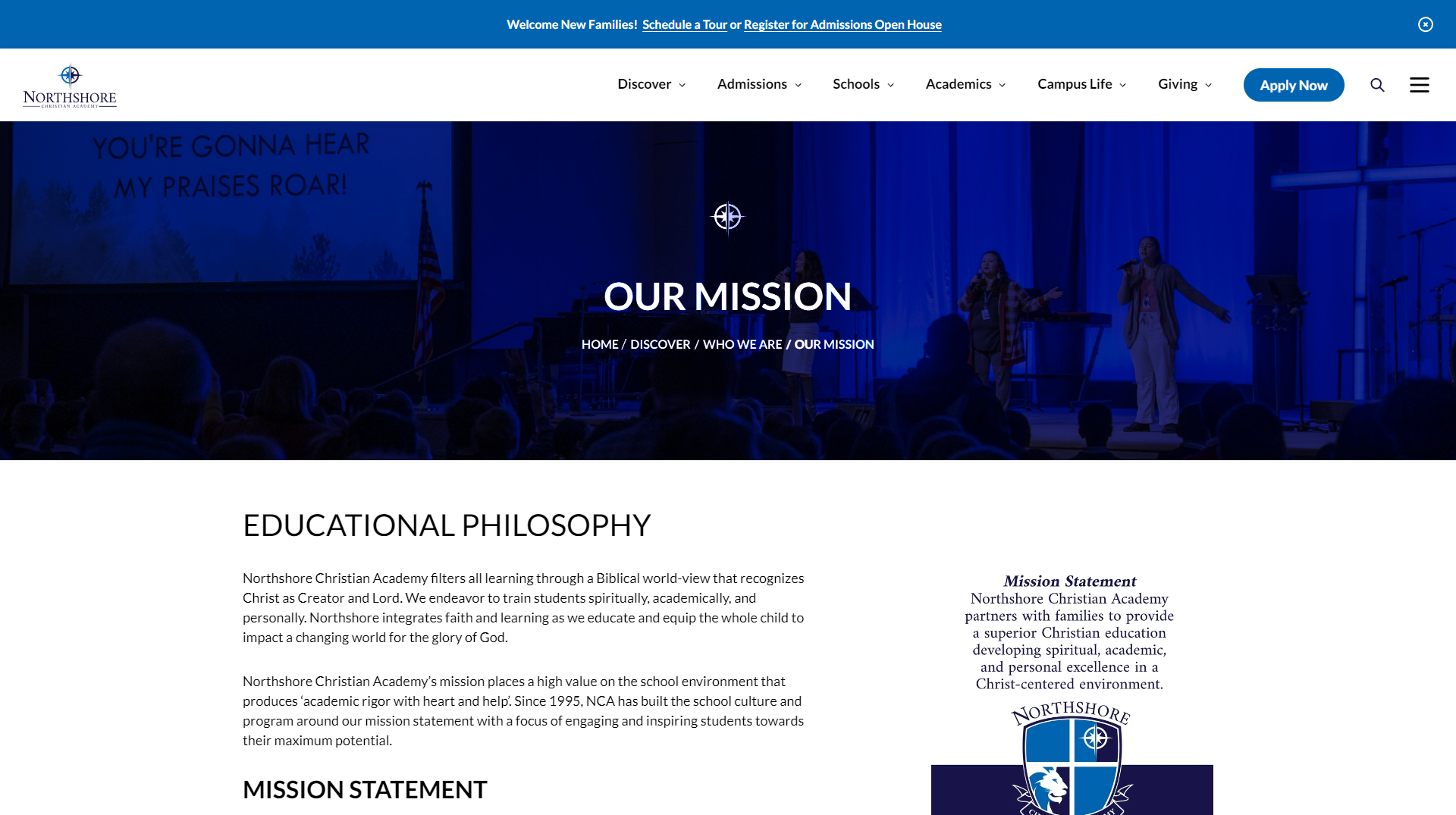
Breadcrumbs show users where they are in your site structure. They show the route a user can take to reach the page they’re on from the homepage. In most cases, they appear above or near the page title.
Users don’t always navigate directly to their destination page, especially on e-commerce sites. If they look at a product page and decide they want to see other options, they may want to navigate back to a pillar page. The breadcrumb navigation system helps them backtrack if they need to — and helps search engines understand how your site is structured.
10. Create XML and HTML Sitemaps

A website sitemap shows all of the different parts of your site. It includes pages, files, images, videos, and other important site parts.
Many large websites have HTML websites to help visitors. If someone can’t find a specific page, they might want to check the sitemap. They can search through a full list of every page on the site to find what they’re looking for.
An XML sitemap is meant to help search engines. It shows a full list of URLs in easy-to-crawl plain text. If you create different sitemaps for different sections of your website, that creates a hierarchy that is easy for search engines to understand.
Start Optimizing Your Site Architecture For SEO Today
Optimizing your site architecture can lead to big improvements in your search rankings. If you don’t have the time or technical know-how to do it, though, there’s no need to stress.
Rocketship is here to help with your site architecture. Our agency offers expert SEO services to increase your web traffic from potential customers. We can help you develop your site structure, set up a good navigation system, add links, create sitemaps, and more.
Schedule a consultation with us today to start building a better site architecture.


Kudo
For Better Reviews

HubSpot
Marketing Automation & Support

Rank Savant
For Service Area Business

Managed Hosting
High Quality Web Hosting